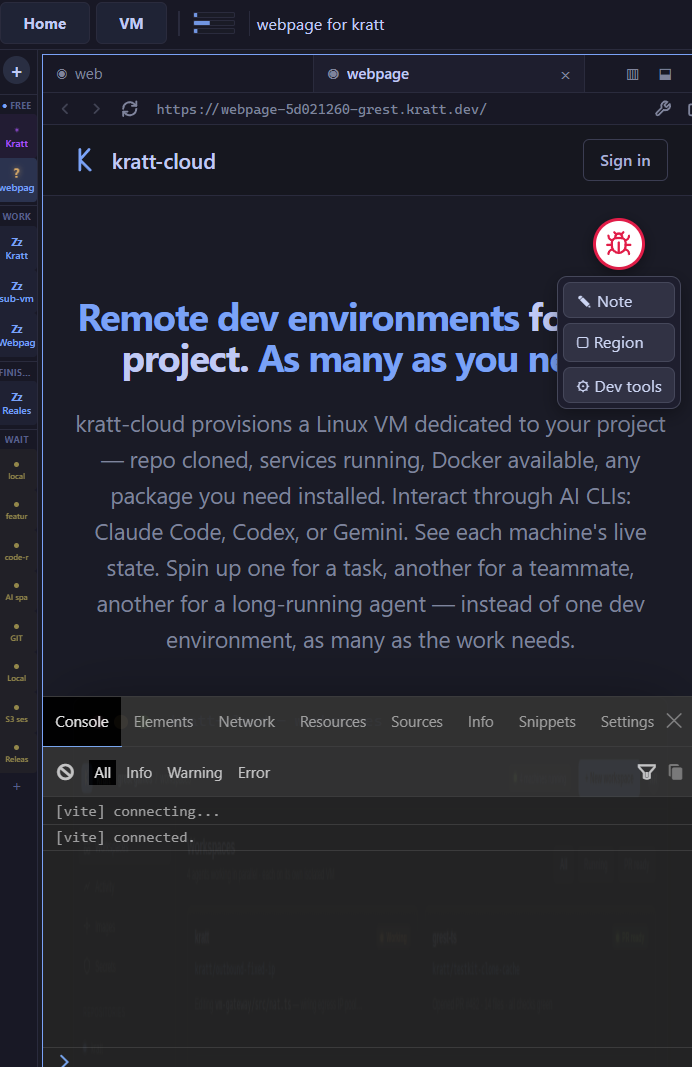
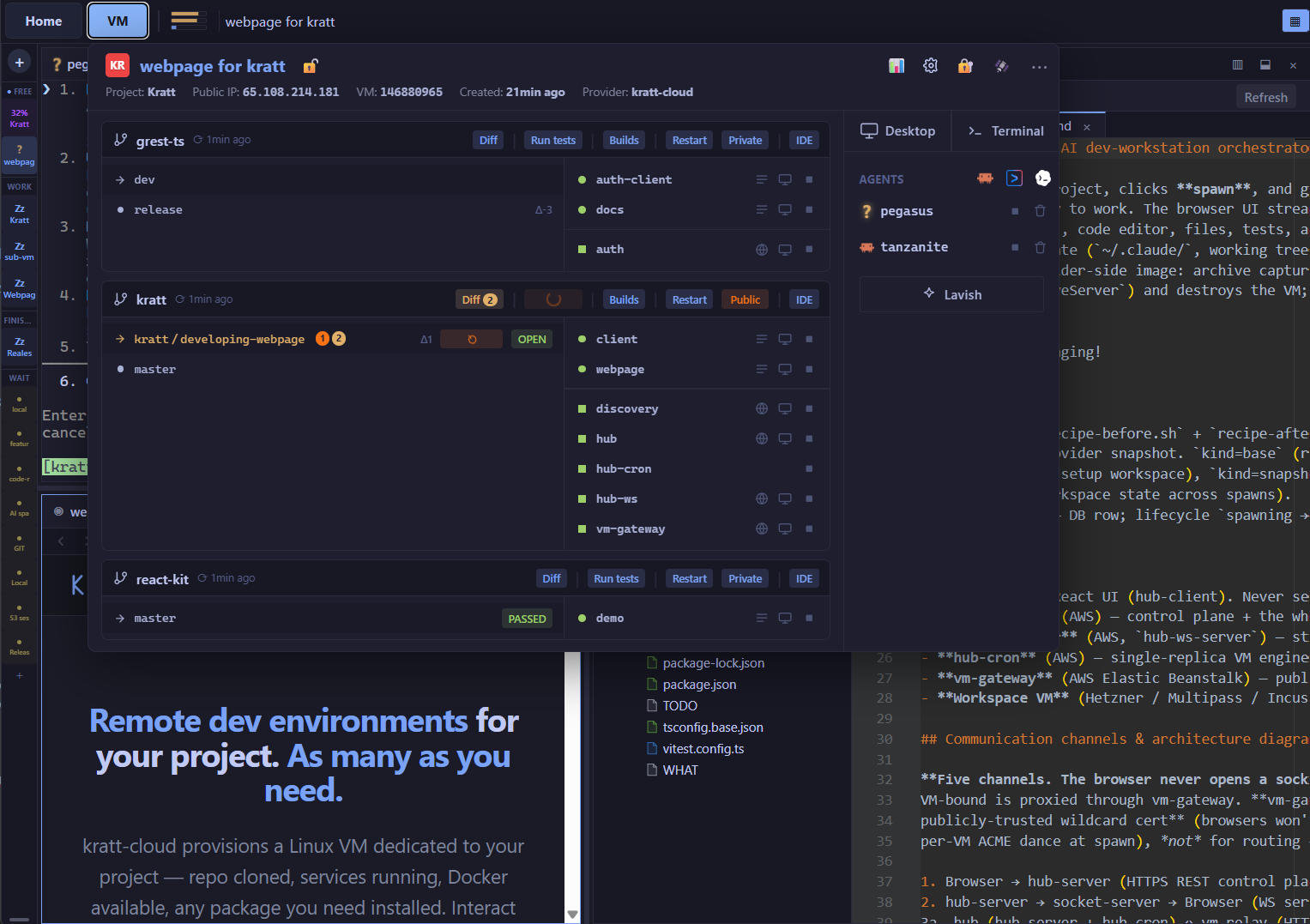
kratt-cloud provisions a Linux VM dedicated to your project - repo cloned, services running, Docker available, any package you need installed. Interact through AI CLIs: Claude Code, Codex, or Gemini. See each machine's live state. Spin up one for a task, another for a teammate, another for a long-running agent - instead of one dev environment, as many as the work needs.
Five steps, always in the same order - on a real Linux environment that runs your full stack.
One .kratt.json defines it: Docker services, setup commands, dev servers, test runner. Full Linux - any package, any library. The same environment every time.
AI CLIs are the primary interface. Claude Code, Codex, or Gemini work directly on the VM - editing files, running commands, reading logs. Drop into VS Code when you need to go hands-on.
The agent runs your full test suite and drives the UI in a real browser. Or open the running app yourself from a public URL - click through it and pin notes on whatever's off.
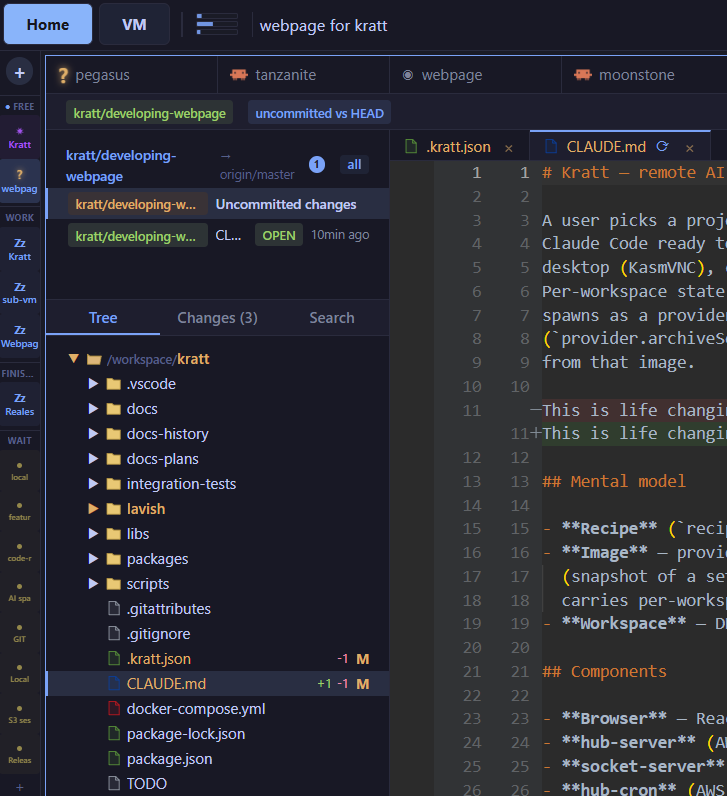
A diff viewer with file tree, passing checks, and inline comments. See exactly what changed across every file before anything merges - all in the browser.
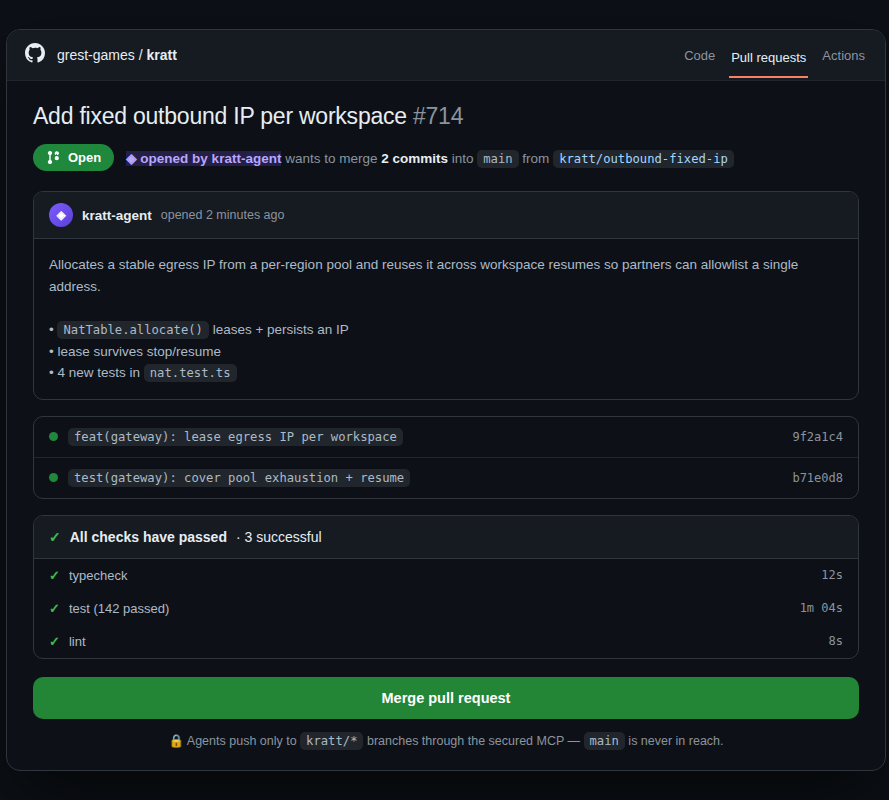
A clean PR on a kratt/* branch into your normal review flow. CI runs exactly as it always does - no special handling.
Because each environment is an isolated Linux VM, you can run as many as the work demands. One per open task, one for a teammate, one long-running and one quick fix - each with its own machine, branch, and pull request, none stepping on the others.
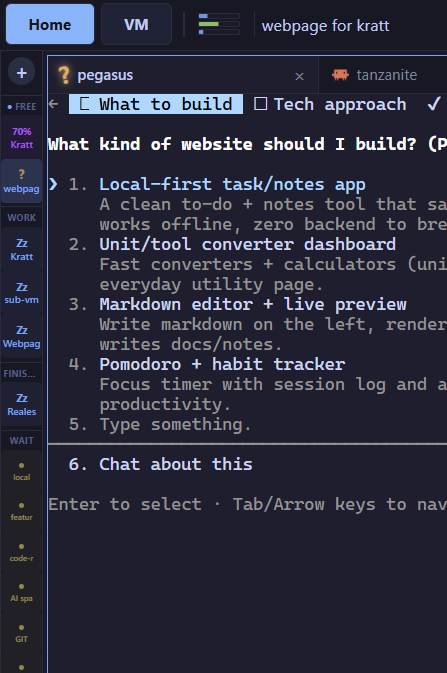
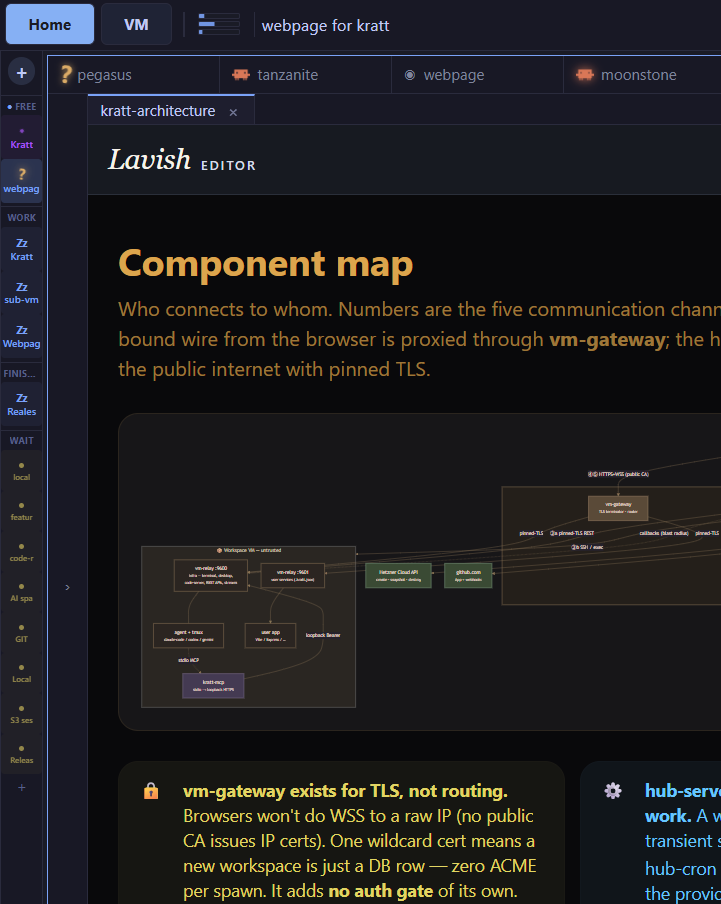
For anything with a UI or a real design decision, the agent doesn't jump straight to code - it drafts an interactive visual spec: a real, clickable HTML mockup of what it's about to build, opened in a Specs panel right beside the workspace. Click through the actual proposed screens, see the plan behind them, and mark up anything that's off before a single line is written.
Catch a wrong direction in a two-minute review instead of a full implementation. Once the spec looks right, the agent builds against exactly what you signed off on.
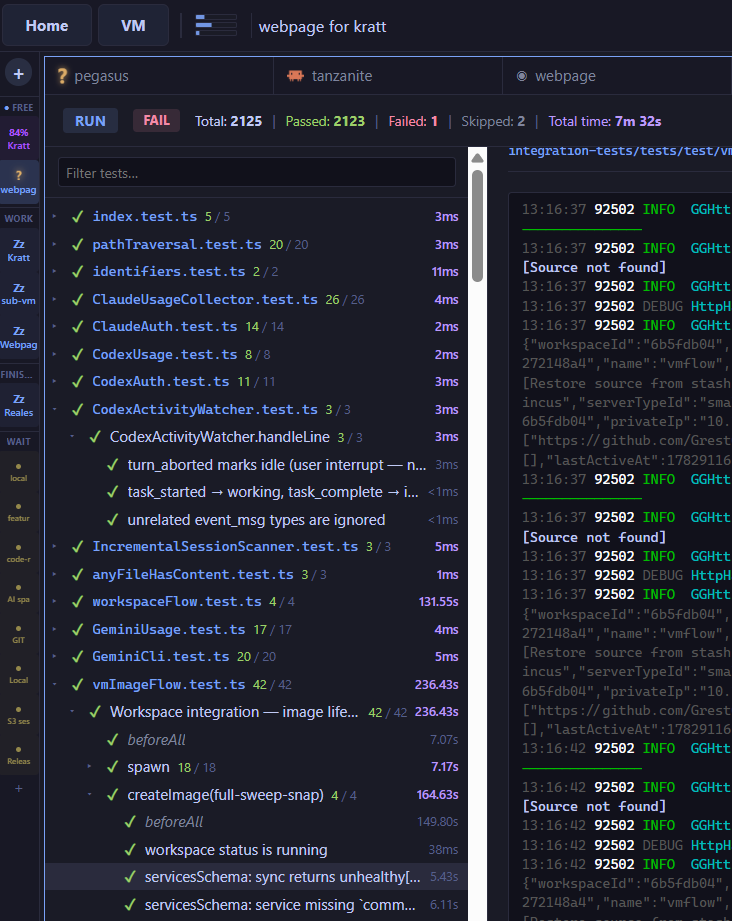
Agents are happy to hand you code that doesn't compile or quietly breaks a test. Because this one works on a real machine with your stack running, it runs the full suite and drives the app in a real browser - and catches its own mistakes before the change ever reaches you. Watch the activity stream, the live terminal, and a healthy-services panel side by side.
A diff viewer for every change with a file tree, passing checks, and inline comments - before anything merges. No copy-paste, no context switching to read what the agent did.
Front-end bugs are the hardest thing to hand an agent: it can't see what you see, and "the button's broken" isn't a reproduction. kratt-cloud runs your app in a real Chrome - driven by Playwright - and records the whole session: every console message, network call, navigation, and click. So when something goes wrong, the agent already has the logs and the exact steps that led there, instead of guessing.
Open the running app from a public URL, try it yourself or send it to a teammate, and pin notes right on the page. Their feedback and their full session come back to the agent as a precise repro.
The change lands as a clean PR from a kratt/* branch into your normal review flow - checks green, ready to merge. No manual branching, no patch files.
Start a task, close the lid, and check on it from your phone later - it keeps going. No builds pinning your fan to 100%, no progress lost when you close the lid. The environment is remote by design; it was never tied to a single device.
Drive kratt-cloud from a laptop, desktop, or phone - it's just a browser tab. The agent runs server-side, so disconnecting never stops the work.
The primary interface is the AI CLI, but you can go hands-on whenever you want - drop into a full VS Code in the browser, or connect your own VS Code or JetBrains IDE to the machine. Set breakpoints, run commands, edit directly, with zero local setup.
It's a real Linux box: full terminal, Docker, and the entire apt ecosystem. Run Docker Compose services, install any library, and tune the environment to your stack.
Once a machine is set up, snapshot it. Your whole team spins up the same environment in seconds - the end of "works on my machine".
Each repo carries its own .kratt.json - its Docker services, dev servers, and test runner come up the same way every time. Put several repos on one machine and each brings up its own stack, so a multi-repo app runs together on a single VM. Full Linux - install any package, run Docker Compose, then snapshot the configured machine into a team image everyone reuses.
{ "steps": [ { "kind": "docker", "file": "docker-compose.yml" }, { "kind": "bash:setup", "bash": "npm install" }, { "kind": "bash:setup", "bash": "npm run dev:tables", "dir": "packages/api" }, { "kind": "backend", "name": "api", "bash": "npm run startDev", "dir": "packages/api", "port": 4000, "healthcheck": true }, { "kind": "frontend", "name": "web", "bash": "npm run watch", "dir": "packages/web", "port": 3000, "expose": true } ], "prBranch": "main" }
Prefer your own setup? Add an SSH key and reach the workspace from the editor you already use - the machine is remote, but it works exactly like a local project.
Open the workspace in your local VS Code with Remote-SSH. Your keybindings, your extensions, your settings - running against the VM.
Connect IntelliJ, WebStorm, PyCharm or Rider through JetBrains Gateway and get the full IDE - indexing, refactors, debugger - over the same SSH link.
Don't want to work remotely at all? Mutagen mirrors the workspace to your local disk and syncs changes both ways in real time - edit in any editor you like, the VM keeps up.
Prefer the terminal? The kratt CLI drives the whole workspace lifecycle from your own machine - Windows, macOS, and Linux all work the same. Launch a local VM, shell in, snapshot it to a reusable image. Add --remote and the same command launches on kratt-cloud instead - same projects, same commands, one CLI. Run local and remote workspaces at the same time, each with its own images.
$ kratt launch --project myapp # local VM from your repos launching workspace a1b2c3d4 … $ kratt list # local + remote $ kratt ssh a1b2c3d4 # shell into the VM $ kratt snapshot a1b2c3d4 # save as an image $ kratt launch --project myapp --remote # → on kratt-cloud
Security here isn't a checkbox at the end - it's the core of the design, and a lot of work went into it. The VM is treated as untrusted, and every boundary around it is enforced in code, not assumed. An agent gets a machine to work on, never the keys to your repo.
API and GitHub keys are encrypted with AWS KMS. Your VM never holds your secrets - it gets scoped, short-lived tokens, never the raw keys.
The agent is sandboxed inside its VM and runs unprivileged. Root is granted only when you explicitly enable it.
Agents push only to kratt/* branches through a locked-down MCP server. Protected branches are never reachable.
Every task runs on a throwaway machine. When it's done, the VM is gone - blast radius is one disposable VM.
Every channel between a VM and the control plane is mutually authenticated and certificate-pinned, and the platform is built to assume a workspace could be hostile - so a compromised task stays contained to its own disposable machine.
Repo cloned, Docker running, services up. Interact through AI CLIs, see each environment's live state, and spin up as many as the work demands.